Free, open-source timed figure-drawing practice. Load your own reference libraries, set your intervals, and train at your own pace.
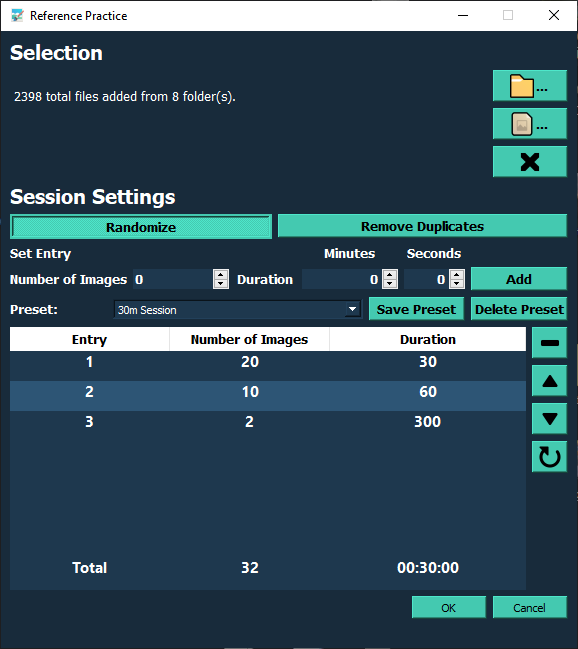
The latest release sharpens your reference workflow. Images follow your presets, and missing files are easy to find and fix.
Switch to a preset and the image set you last used with it returns automatically. No reloading references at the start of every session.
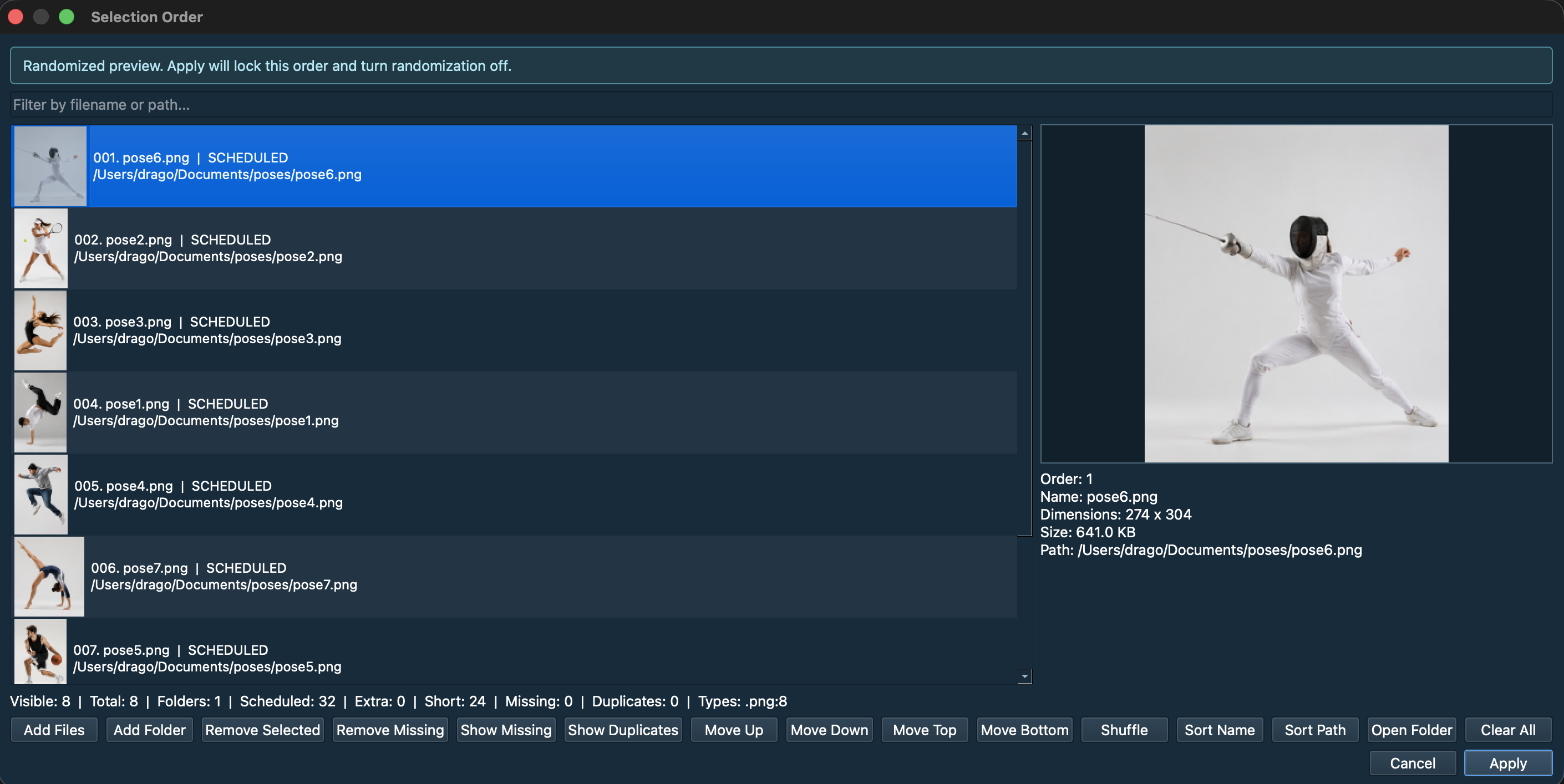
Moved or offline images appear as removable MISSING rows, and the Show Missing filter isolates them instantly.
Open Folder selects the highlighted image right in your file browser, Finder on macOS and Explorer on Windows.
A preset’s saved set is preserved while a drive is unplugged and reloads when you reconnect.
Your libraries, your session, your time. Everything you need for focused gesture practice, and nothing you don’t.
DownloadPractice from your own reference folders, not someone else’s feed.
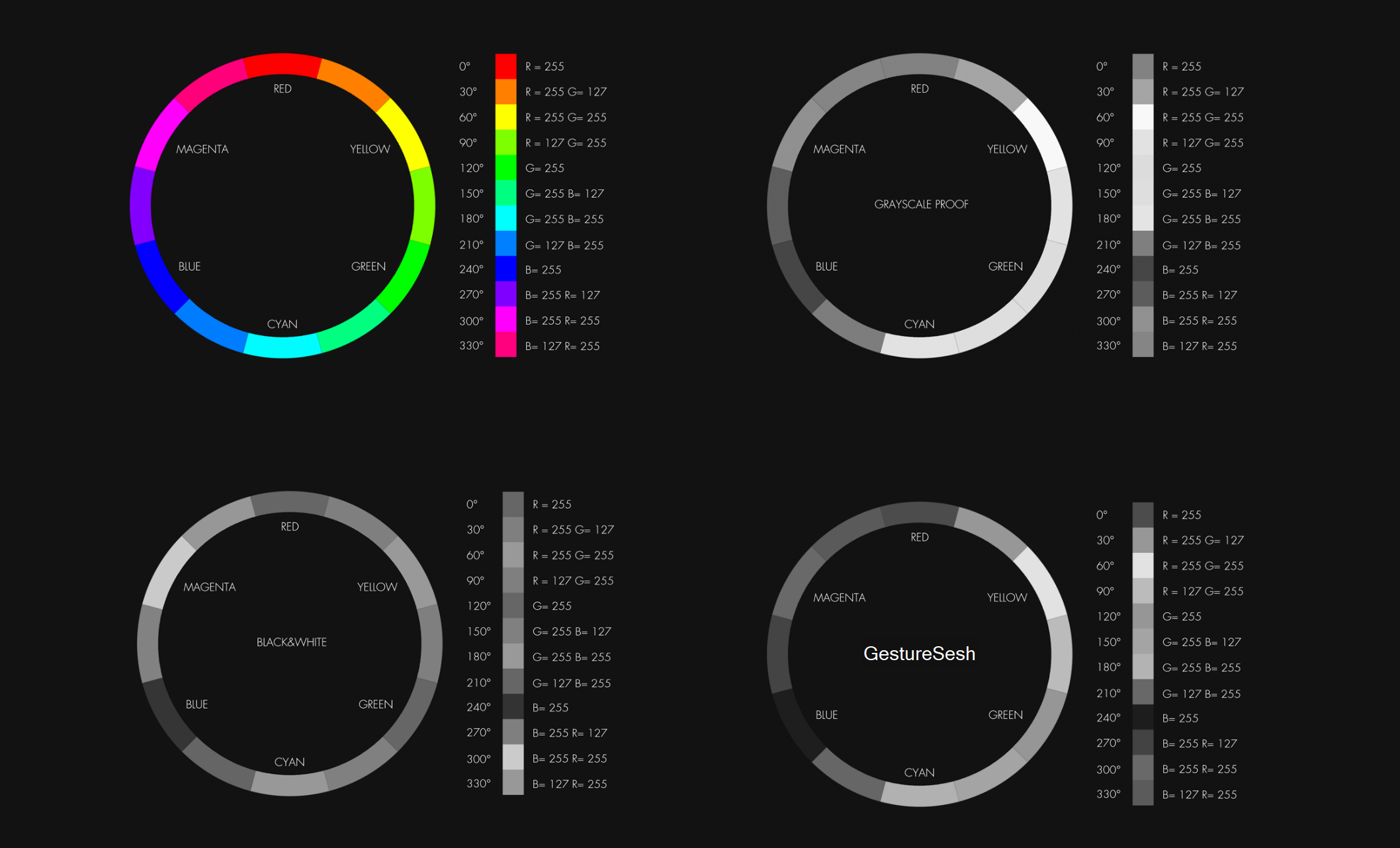
Grayscale and mirroring keep each pass focused on one thing.
Save your session settings once and load them in seconds.
Pin the session above your canvas, frameless if you like.
Hear the time remaining so your eyes never leave the pose.
GestureSesh will always be free, for this version and every version after it.
GestureSesh’s grayscaling produces distinct steps between values, so color-to-value practice actually trains your eye for rendering.
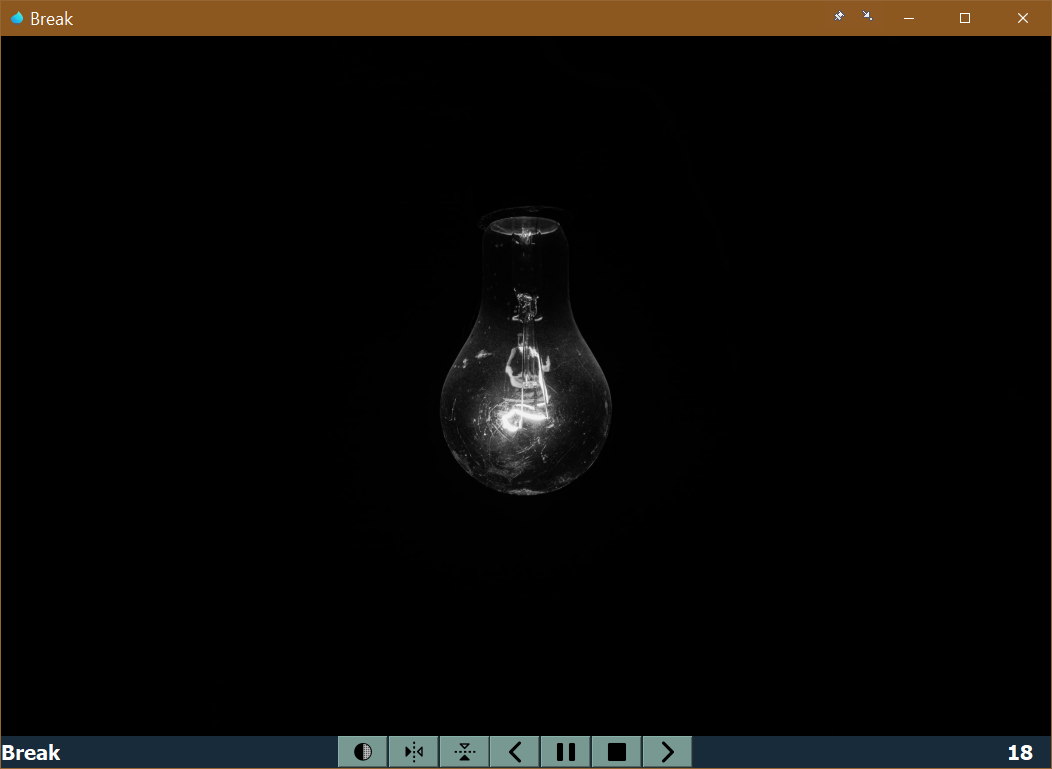
Long session? Set a row with zero images for however long you need. The light turns on when it’s time to put the pencil down.
Reorder, shuffle, sort, and dedupe your selection before you draw. Missing files surface as removable rows you can isolate or reveal on disk.
Free forever. No accounts, no ads, no subscriptions.
Send me an email! You can support GestureSesh’s development by telling me about:
 GestureSesh